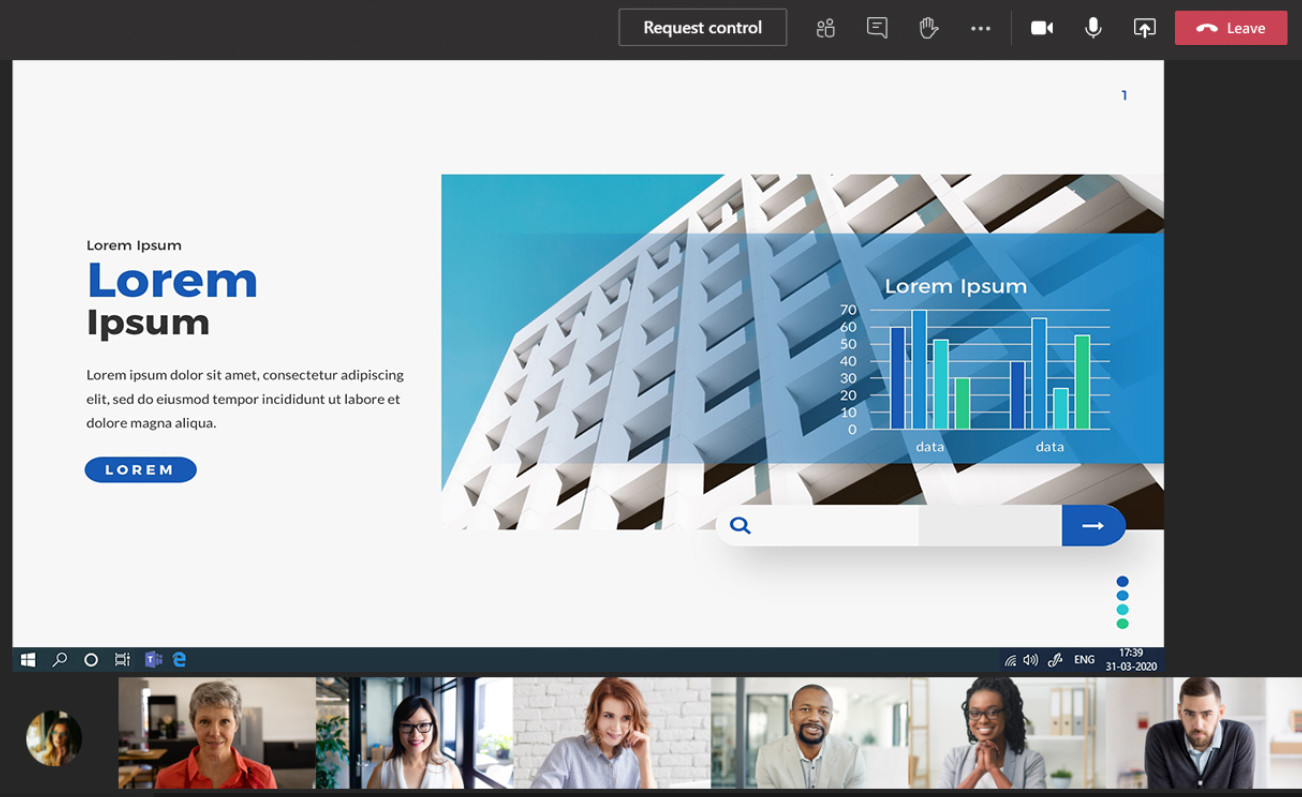
Webcast layout options (up to 6 speakers)
The Teams acquisition is limited to 6 speakers simultaneously on camera for optimal results.
Additional Speakers
If you have more then 6 speakers within the meeting room, it is recommended that they remain in audio only (cameras closed). If these additional speakers are requested to speak, they will remain in audio only and a full screen placeholder slide will be displayed on the video window of the Webcast page.
When using the multiple layout option, an extra resource is required. The producer will cut your event based on your requests, show flow, and their creativity.
Webcast participant views (video & slides)
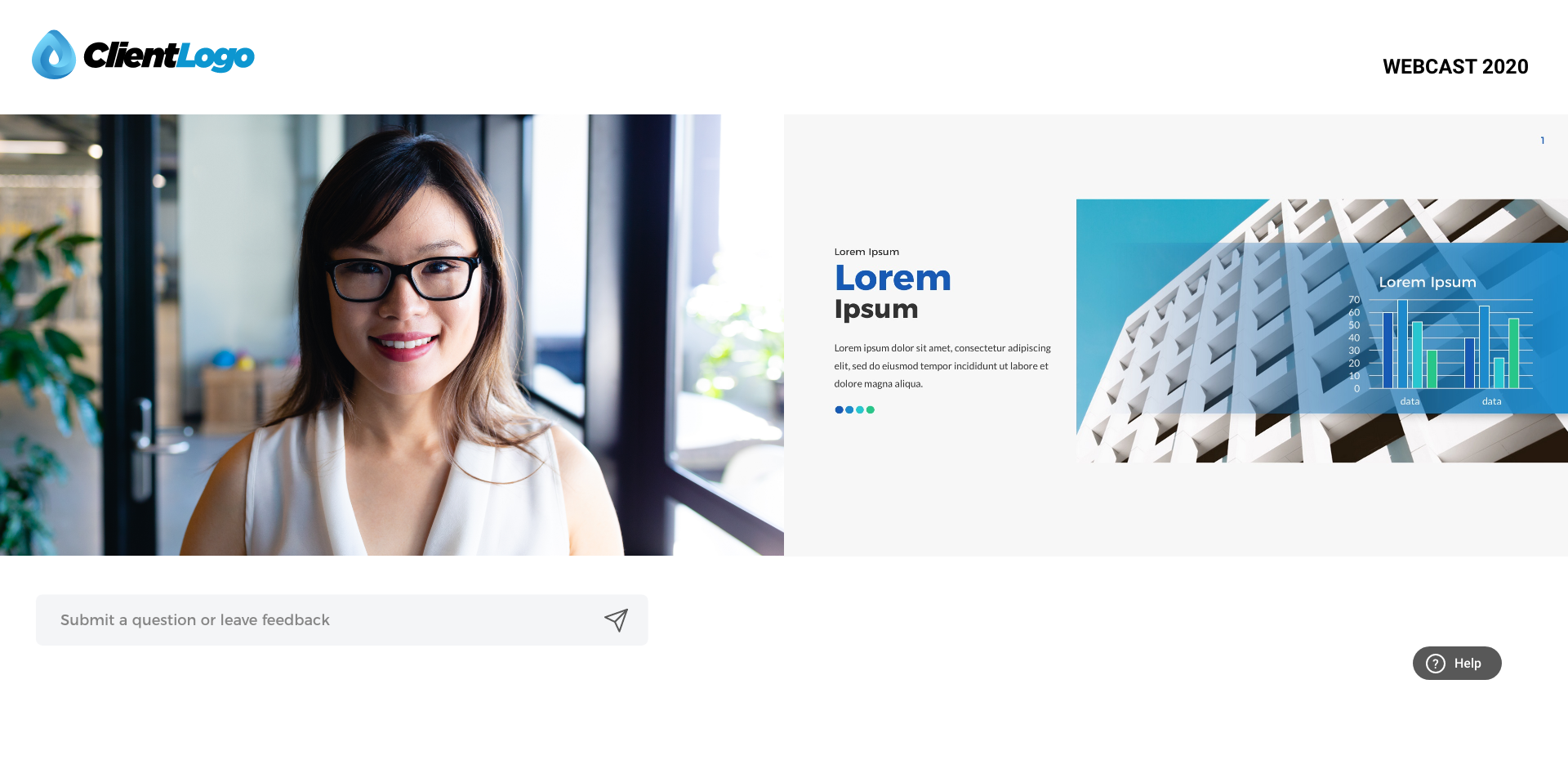
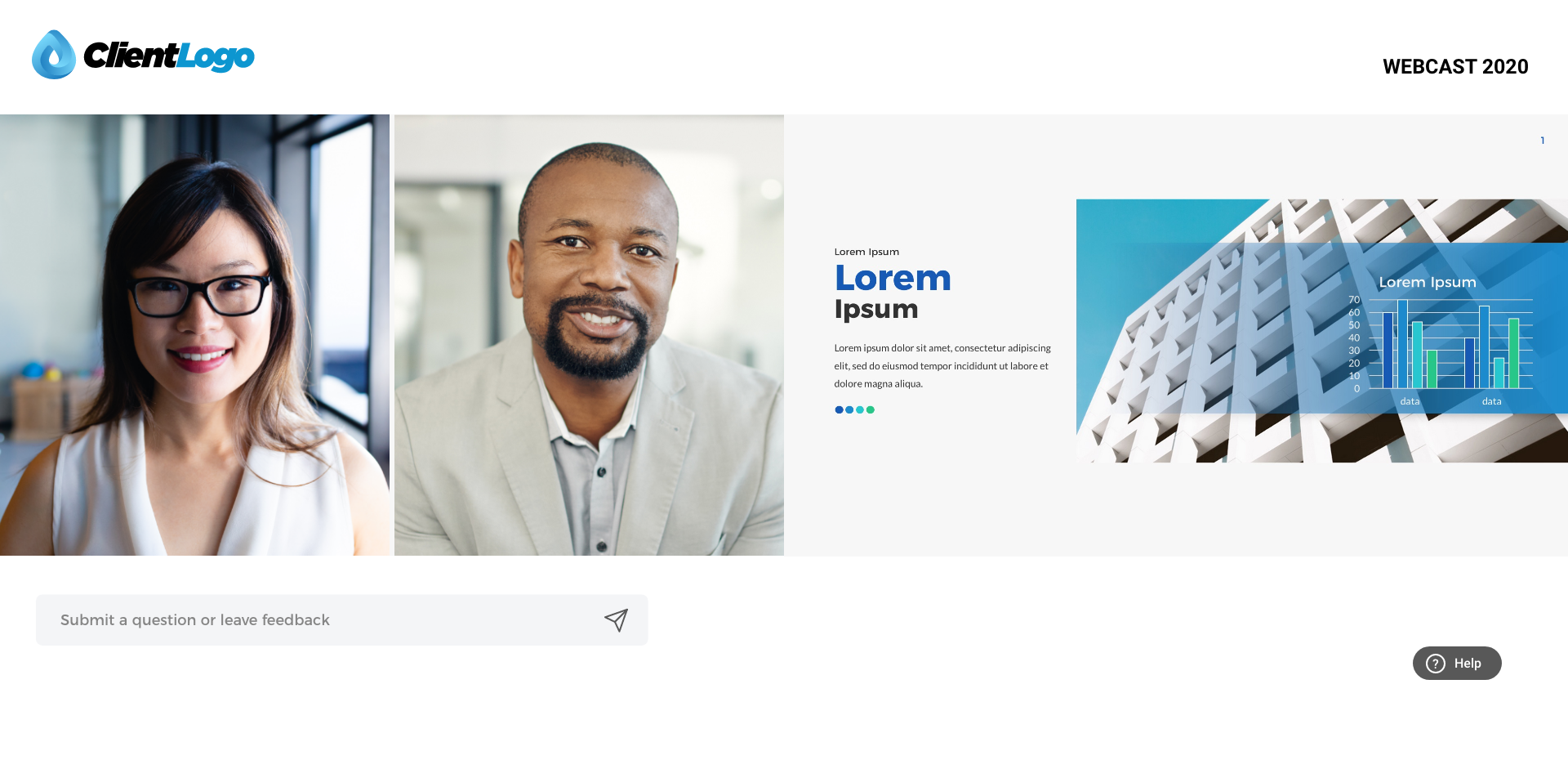
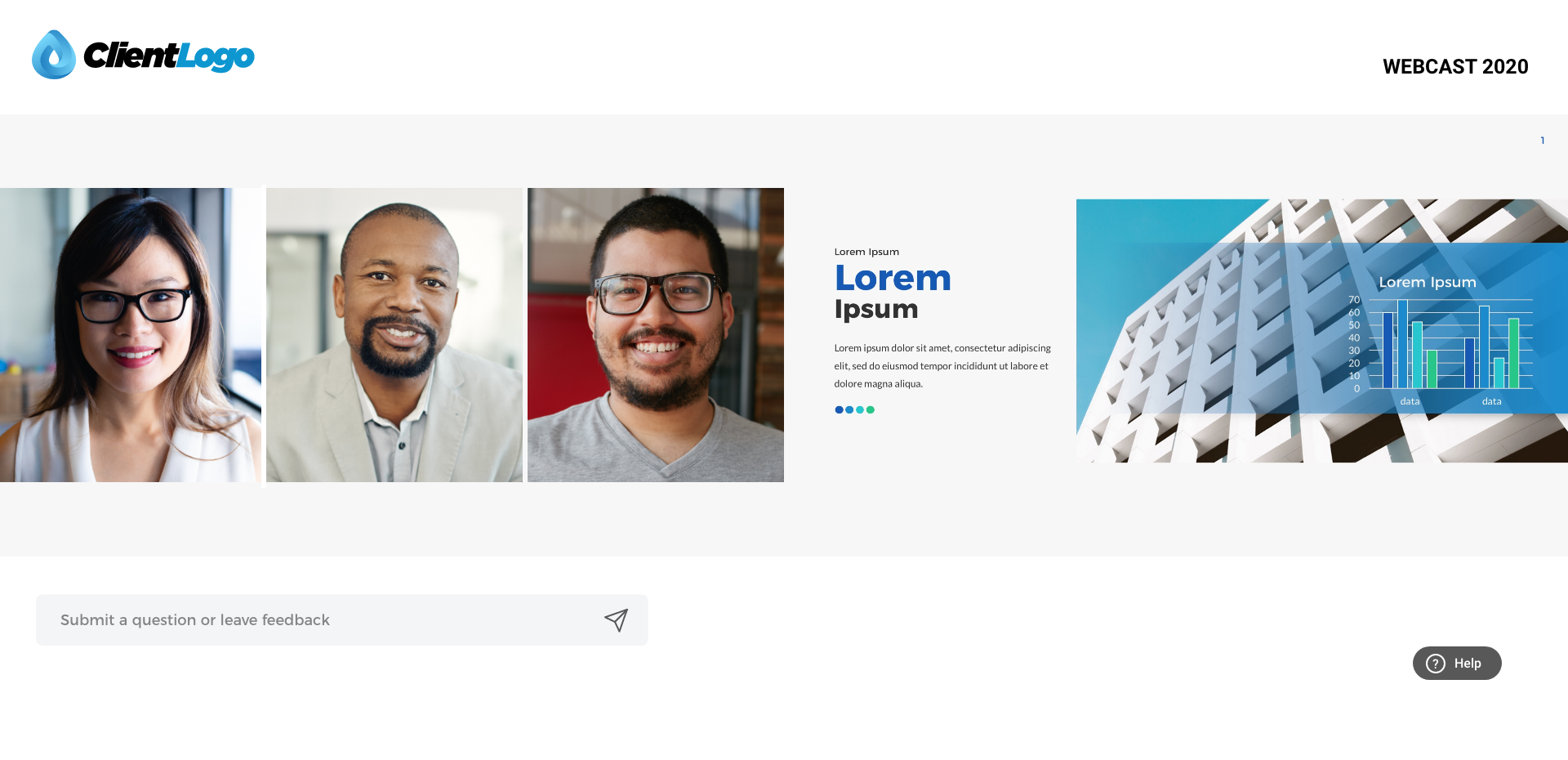
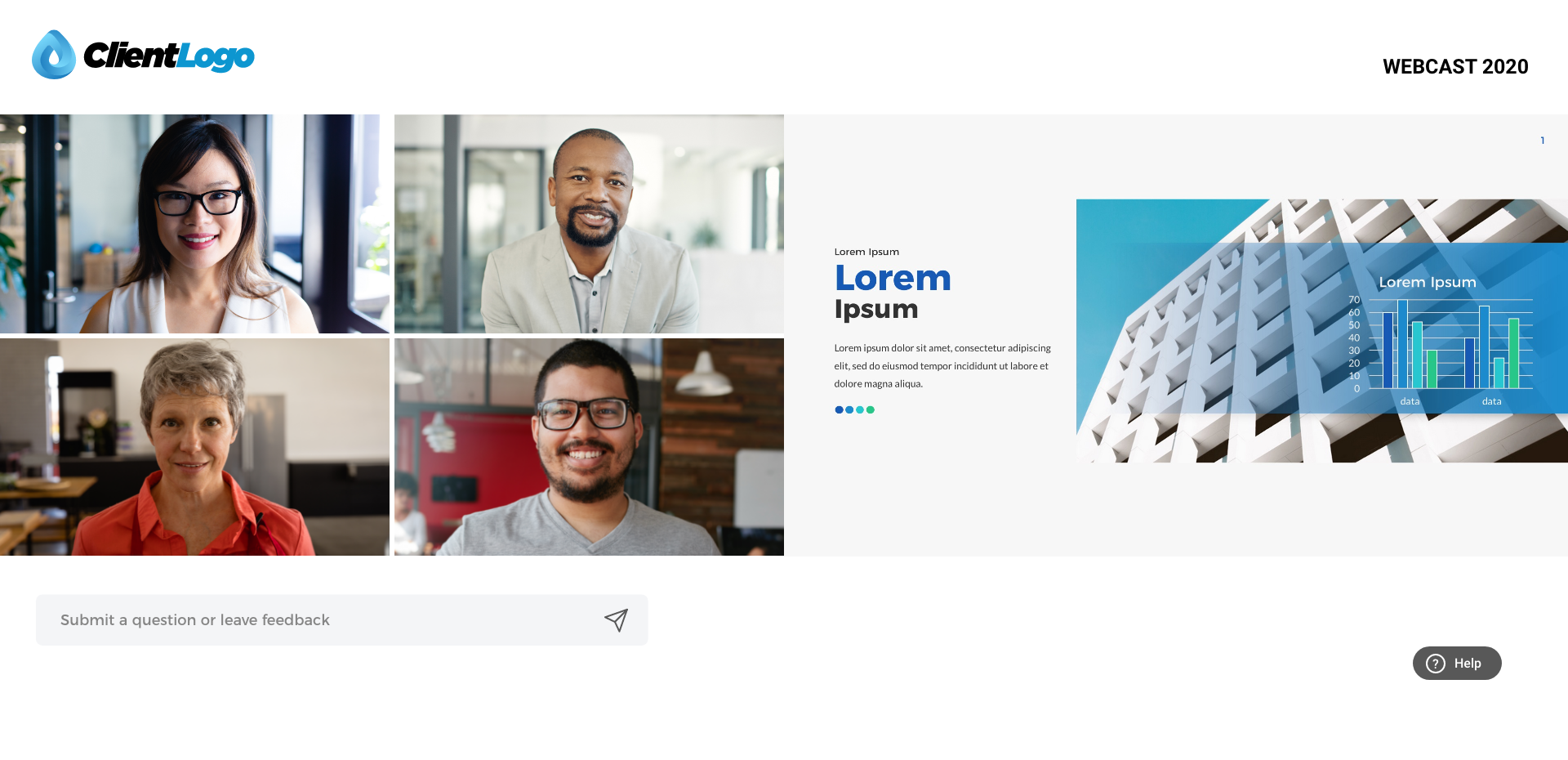
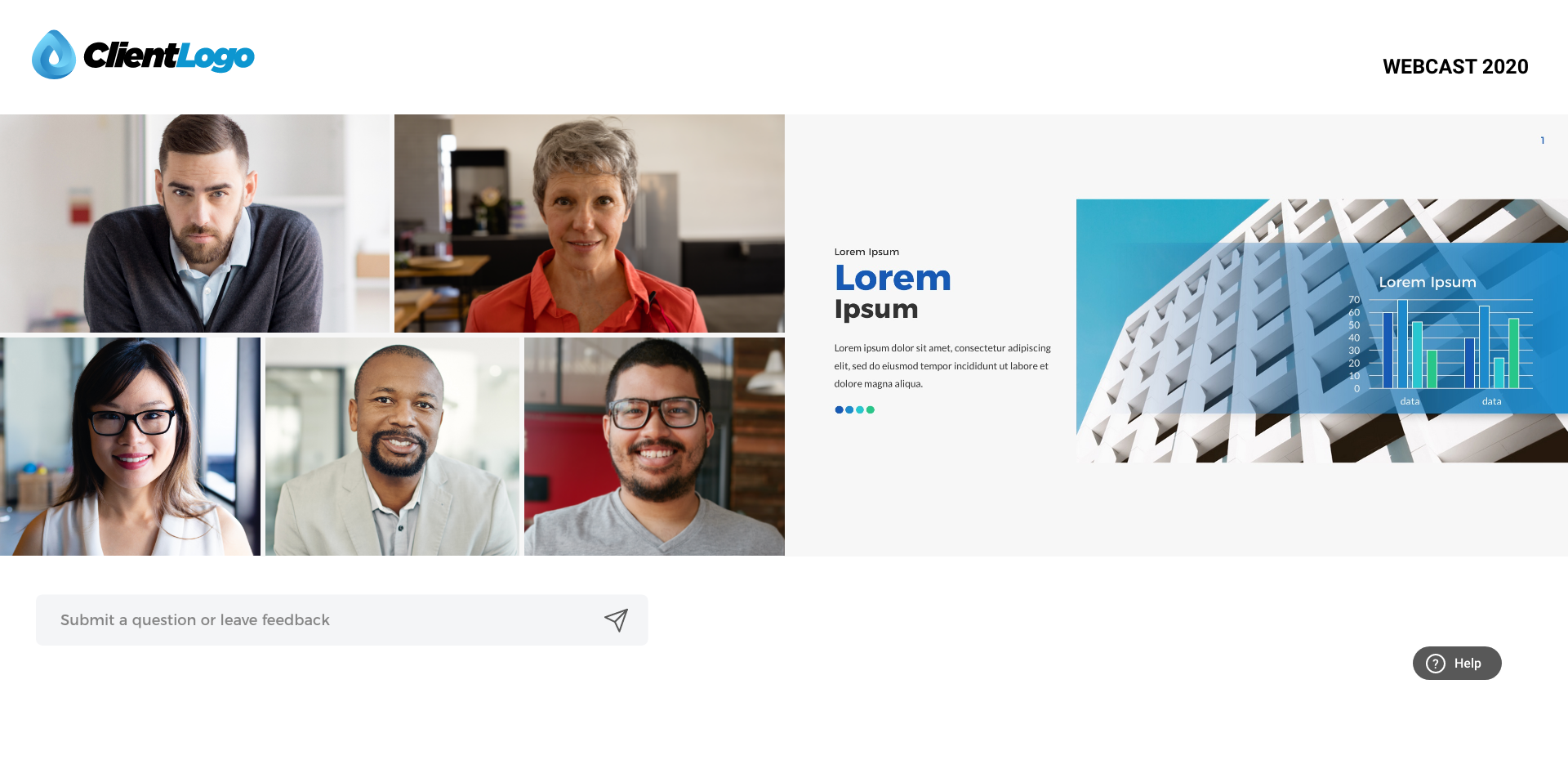
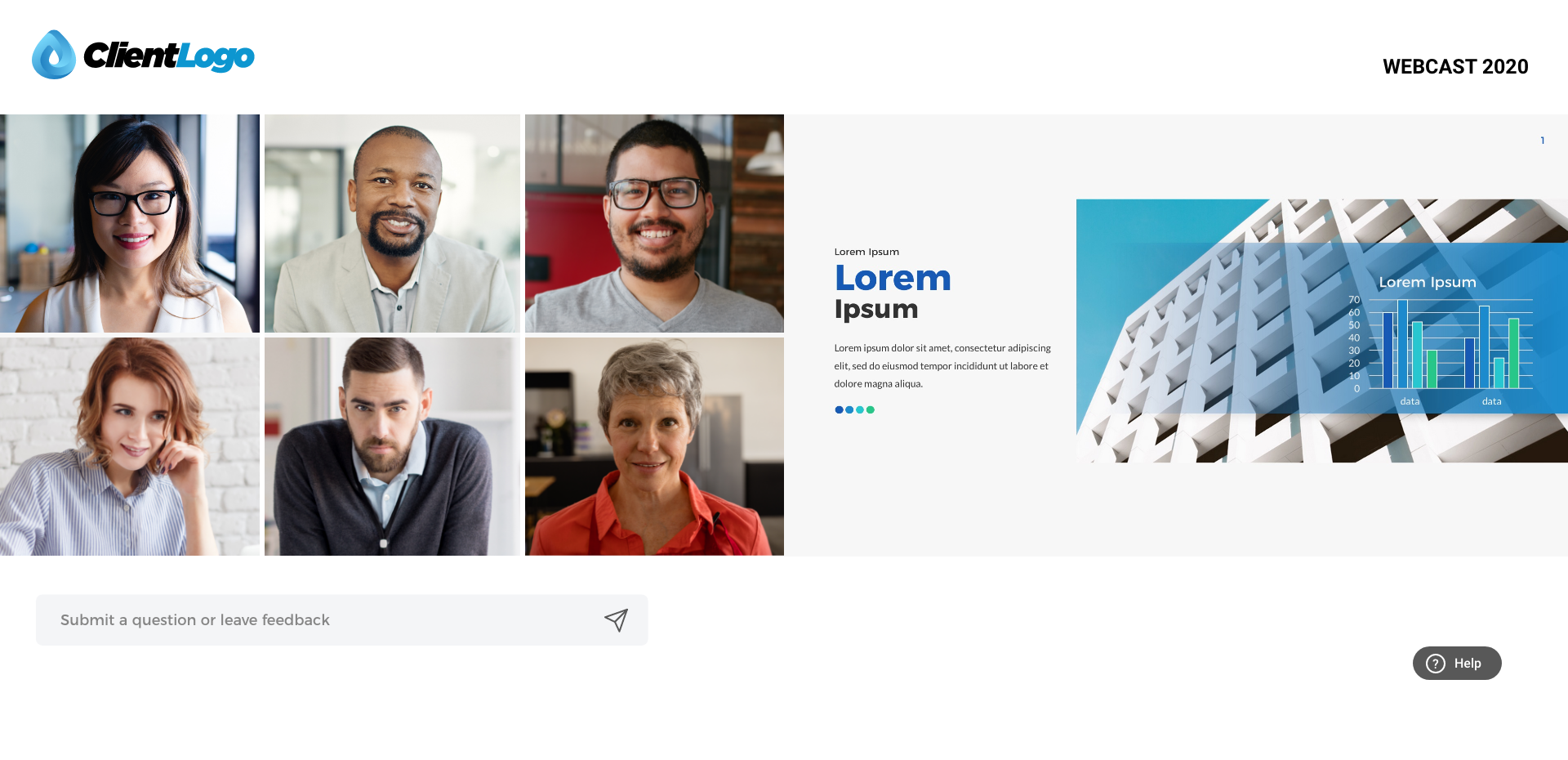
FULL SCREEN NO PRESENTATION
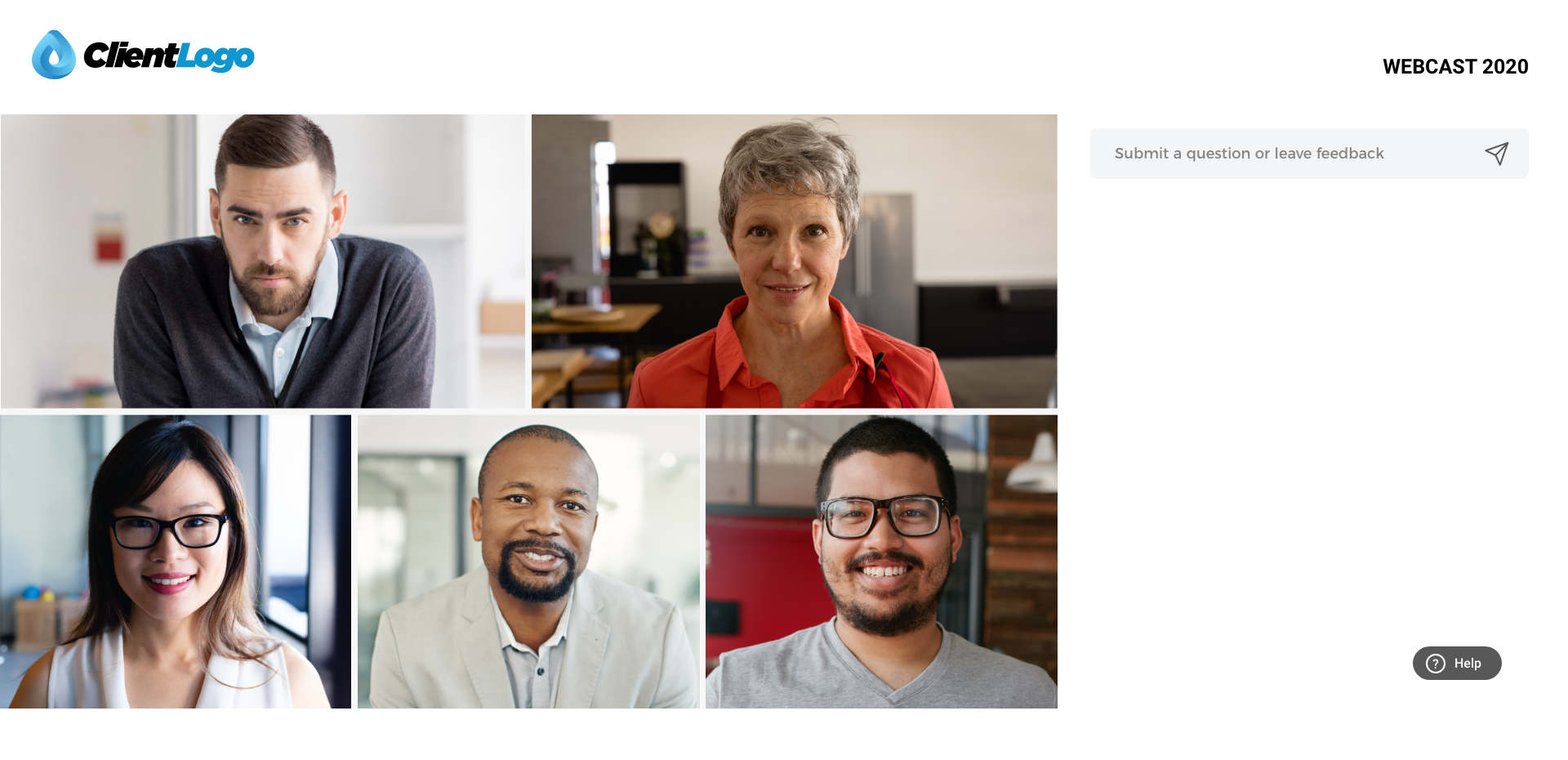
Important reminders
Each speaker must control their own Teams environment. The activity and display taking place in the Teams session does not reflect what the participants will be watching on the Webcast (see images shown above).