The director page is a control panel for managing slides during a webcast. If you don't have the link to the director page for your event, you can find it by logging in to icastpro manager with your username and password.
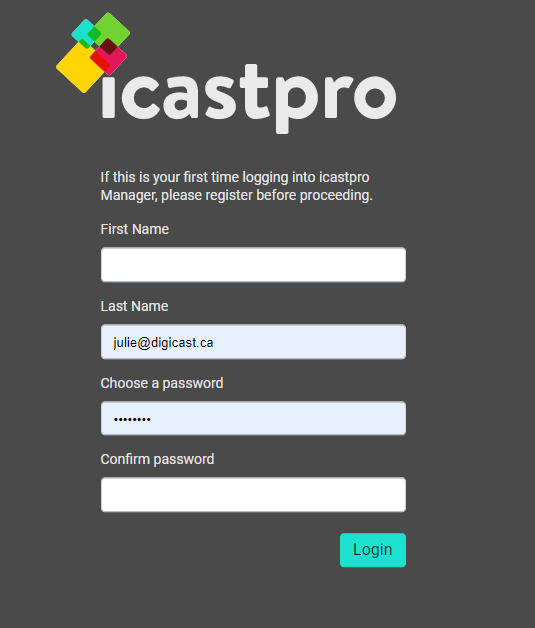
All collaborators (speakers, project managers, assistants...) who have received the Director link will be prompted to verify their email and create an account with the icastpro manager. Once the account is created, these collaborators will simply need to login using their credentials for future events.
Logging in to icastpro
Step 1: Signing In
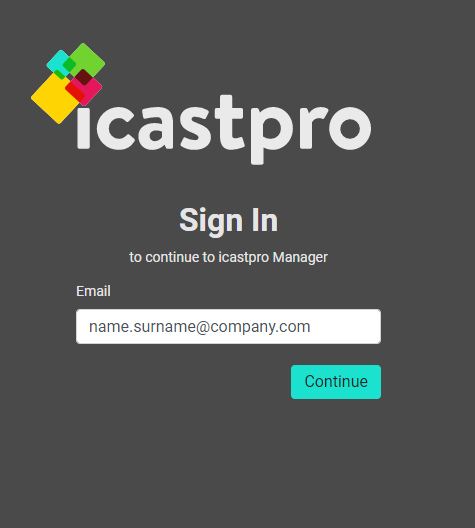
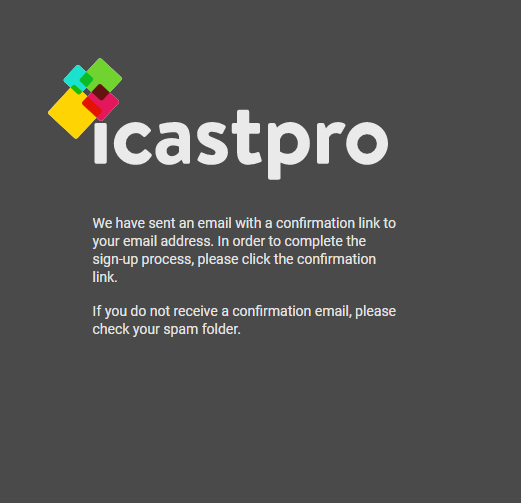
Step 2: Check Email for Confirmation Link
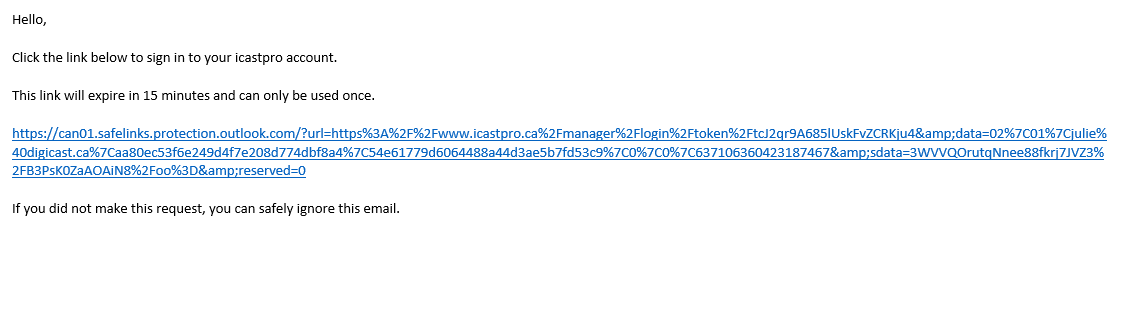
Step 3: Click on Confirmation Link
Step 4: Finish Setting Up Account
Accessing the Director
As a Collaborator or Speaker
The link will be provider to you by the event organizer.
As an Organizer
As an organizer, after logging in to the icastpro manager, go to your order form and click on Access the Event Director button, the link will also be provided by Digicast in the Speaker access section.